

Log in to your MaxusAI account
Sign in to MaxusAI with your account email and password to open LabelEngine, plus what to do if you have forgotten your password or cannot get back in.
This article details how to log in with MaxusAI once you've already made an account. If you haven't got an account yet use the registration article to create one.
The first thing you'll need to do is navigate to the MaxusAI login page. Once there you will need to enter your details for your account in the login form.
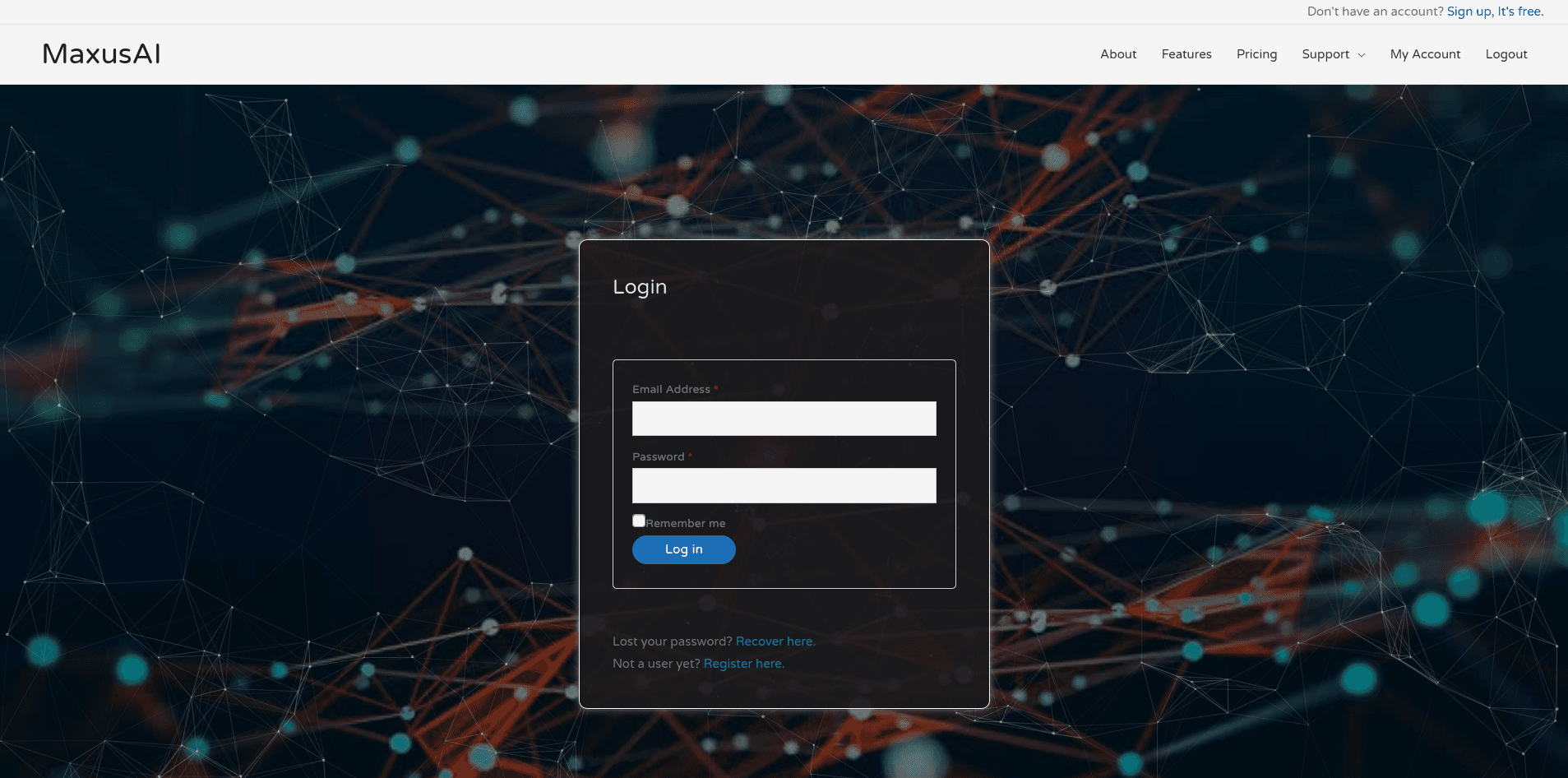
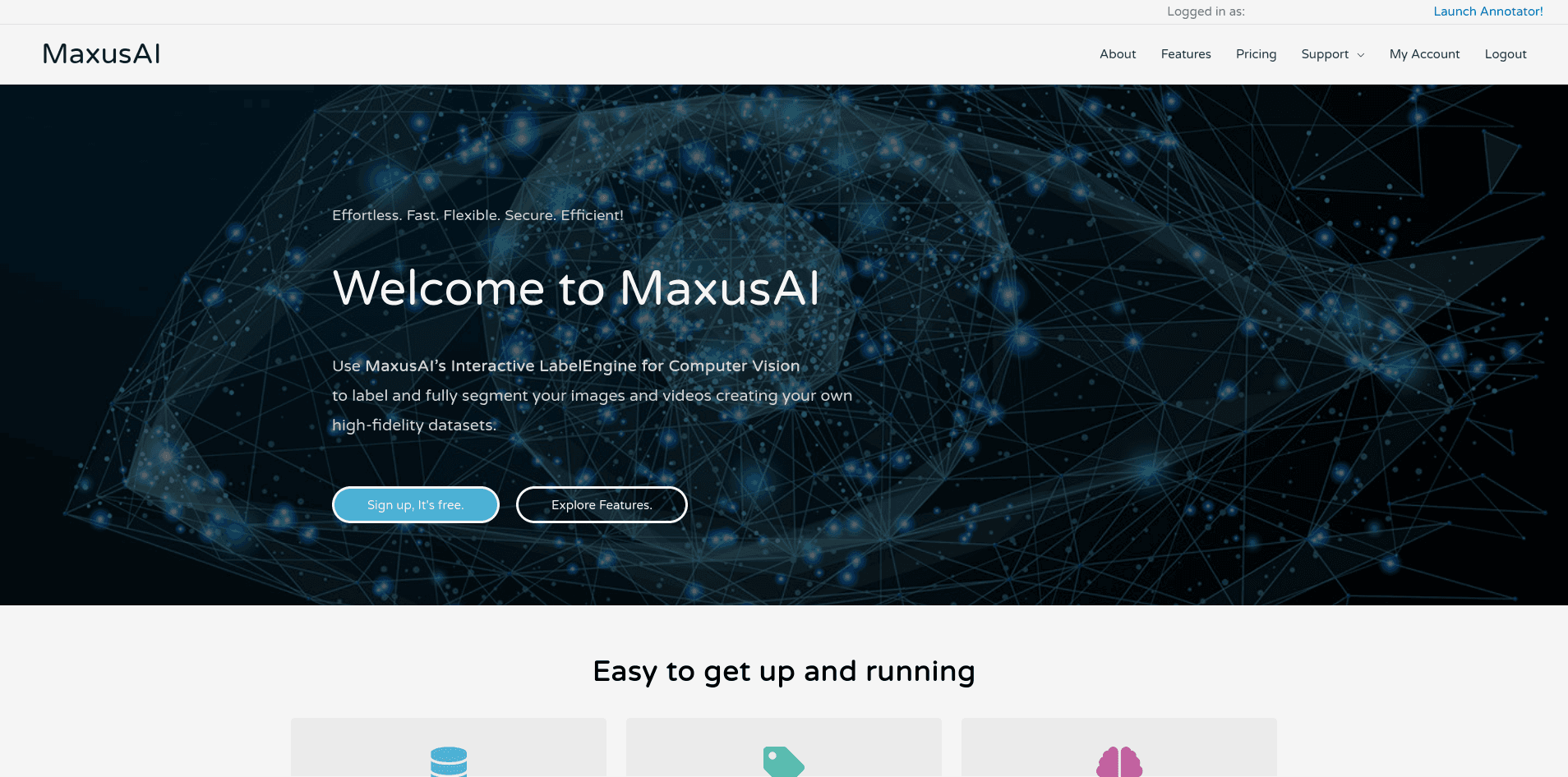
Now press enter of click the log in button. Once you successfully log in you should see the screen below.
If you've forgotten your password the article here will help. If you're still experiencing issues after resetting your password feel free to contact us.
Reset a forgotten password
Recover access to your MaxusAI account when you have forgotten your password, so you can sign back in to LabelEngine and pick up your annotation work.
Task system: annotate, review, validate
Move images through the three-stage task pipeline - annotate, review, validate - and learn what each portal lets a worker do before data enters training.